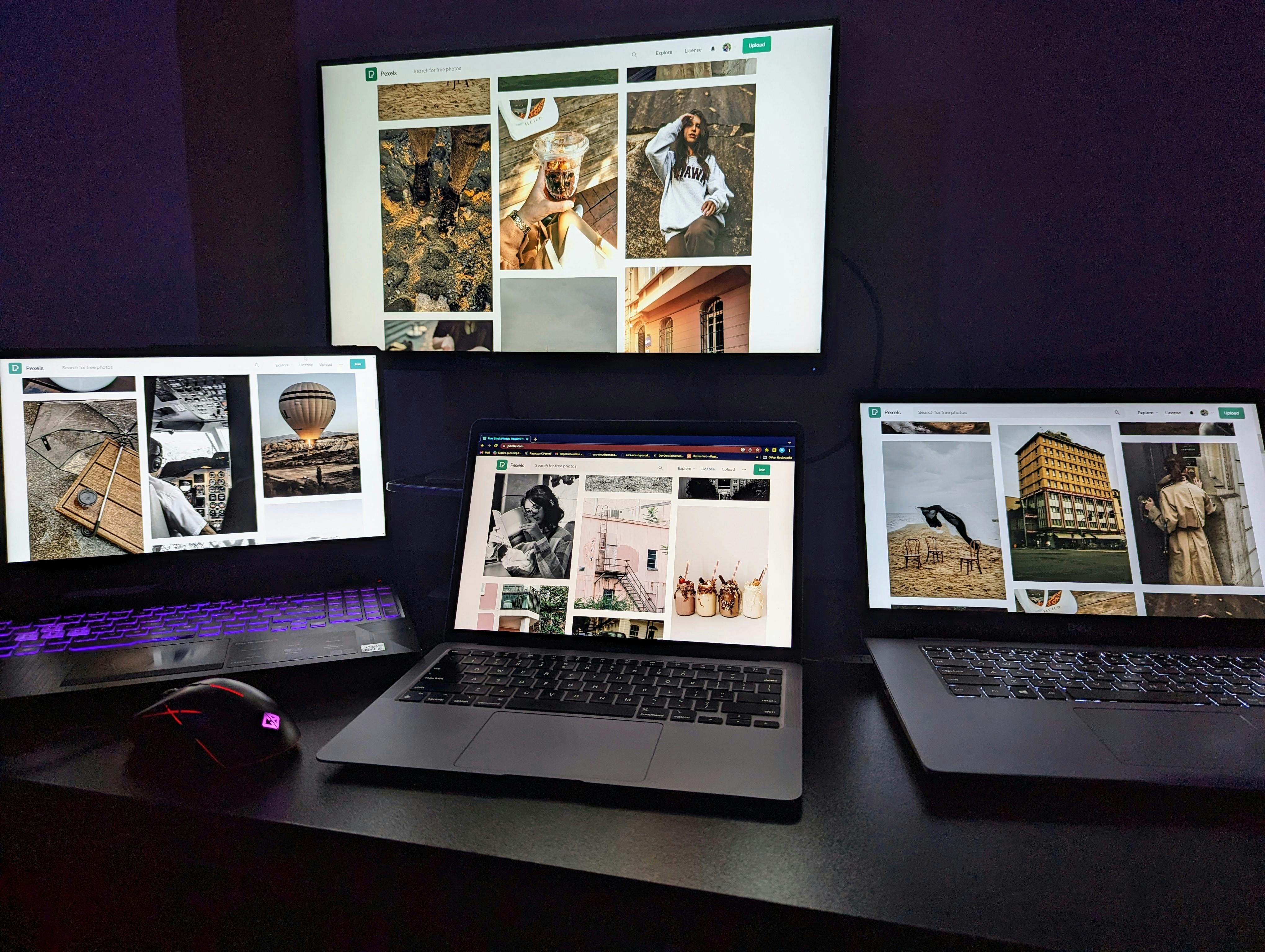
Remote work is no longer a trend, it has become a way of life for millions of people worldwide, including many Nigerians. With flexible work schedules, reduced commute times, and global opportunities, working from home or remotely has clear benefits.
However, success in remote work depends largely on the tools you use. The right apps and platforms can help you communicate better, manage projects, and stay productive, no matter where you are.
Here’s a detailed look at 15 of the best tools for remote work that can make your work-life smoother and more successful.
1. Zoom (Video Meetings)
Zoom has become one of the most reliable tools for video conferencing. It allows you to hold virtual meetings, webinars, and training sessions with ease.
Features:
Best For: Teams that need regular face-to-face communication.
2. Google Meet
If you already use Gmail, Google Meet integrates perfectly for quick video calls. It works smoothly on both computers and smartphones.
Features:
Best For: Small businesses, teachers, and freelancers.
3. Slack (Team Communication)
Slack is like a digital office chat room. It reduces the need for endless emails by providing real-time communication channels.
Features:
Best For: Remote teams that need daily coordination.
4. Microsoft Teams
Microsoft Teams combines chat, meetings, file storage, and collaboration in one platform. It’s especially useful if you already use Microsoft Office apps.
Features:
Best For: Corporate teams, schools, and large organizations.
5. Trello (Project Management)
Trello uses boards, lists, and cards to help teams organize tasks visually. It’s simple yet powerful for keeping track of work progress.
Features:
Best For: Freelancers and small teams managing multiple projects.
6. Asana
Asana is another project management tool but with more advanced features for larger teams. It helps you track projects from start to finish.
Features:
Best For: Companies and teams with complex projects.
7. Google Drive (File Storage)
Google Drive makes storing, sharing, and collaborating on files easy. It’s cloud-based, so you can access documents anywhere.
Features:
Best For: Teams needing reliable file storage.
8. Dropbox
Dropbox is another popular cloud storage tool with smooth file synchronization across devices.
Features:
Best For: Professionals needing large file storage, such as designers and videographers.
9. Notion (All-in-One Workspace)
Notion is a versatile tool that combines notes, documents, databases, and project boards in one platform.
Features:
Best For: Freelancers and creative teams.
10. Evernote (Note-Taking)
Evernote is perfect for capturing ideas, notes, and research in one place.
Features:
Best For: Writers, students, and professionals taking detailed notes.
11. Canva (Design Tool)
Canva allows you to create professional graphics, presentations, and social media posts without design experience.
Features:
Best For: Remote workers creating visual content.
12. Grammarly (Writing Assistant)
Grammarly helps you write clearly and correctly by checking grammar, spelling, and tone.
Features:
Best For: Everyone writing professional content online.
13. Clockify (Time Tracking)
Remote work requires discipline, and Clockify helps track how much time you spend on tasks.
Features:
Best For: Freelancers billing clients by the hour.
14. Payoneer (Payments)
Getting paid across borders can be tricky, but Payoneer makes it easier for freelancers and businesses.
Features:
Best For: Freelancers and online entrepreneurs.
15. ZoomShift (Team Scheduling)
If you manage a remote team, ZoomShift helps you create and share work schedules easily.
Features:
Best For: Remote teams with different time zones.
How to Choose the Right Remote Work Tools
Not every tool is for everyone. Your choice depends on:
Start with the basics: communication (Zoom or Slack), storage (Google Drive), and project management (Trello or Asana). As your work grows, add tools for payments, scheduling, or advanced collaboration.
Conclusion
Remote work is here to stay, and with the right tools, you can be just as productive as working in a physical office — sometimes even more.
From Zoom for meetings to Canva for design and Payoneer for payments, these tools make remote work smooth, professional, and stress-free.
Choose the ones that fit your needs and start building a successful remote work routine today.
You might as well like:
15 Best Free AI Tools You can use this year to boost productivity
 Lawrence